Free Excel download
Free Excel invoice template that does the maths.
Type in what you did and the price. The spreadsheet works out every line, the 15% VAT and the total.
- Line totals worked out for you
- 15% VAT, or change to 0%
- Works in Excel and Google Sheets
- Banking details section
Typing totals by hand leads to mistakes.
One wrong number and your VAT and total are off, and your client notices.
Formulas already set up.
Just fill in the quantity and price. Or skip the spreadsheet and send it online.
- Line totals
- Subtotal and VAT
- Total due
- Save as PDF
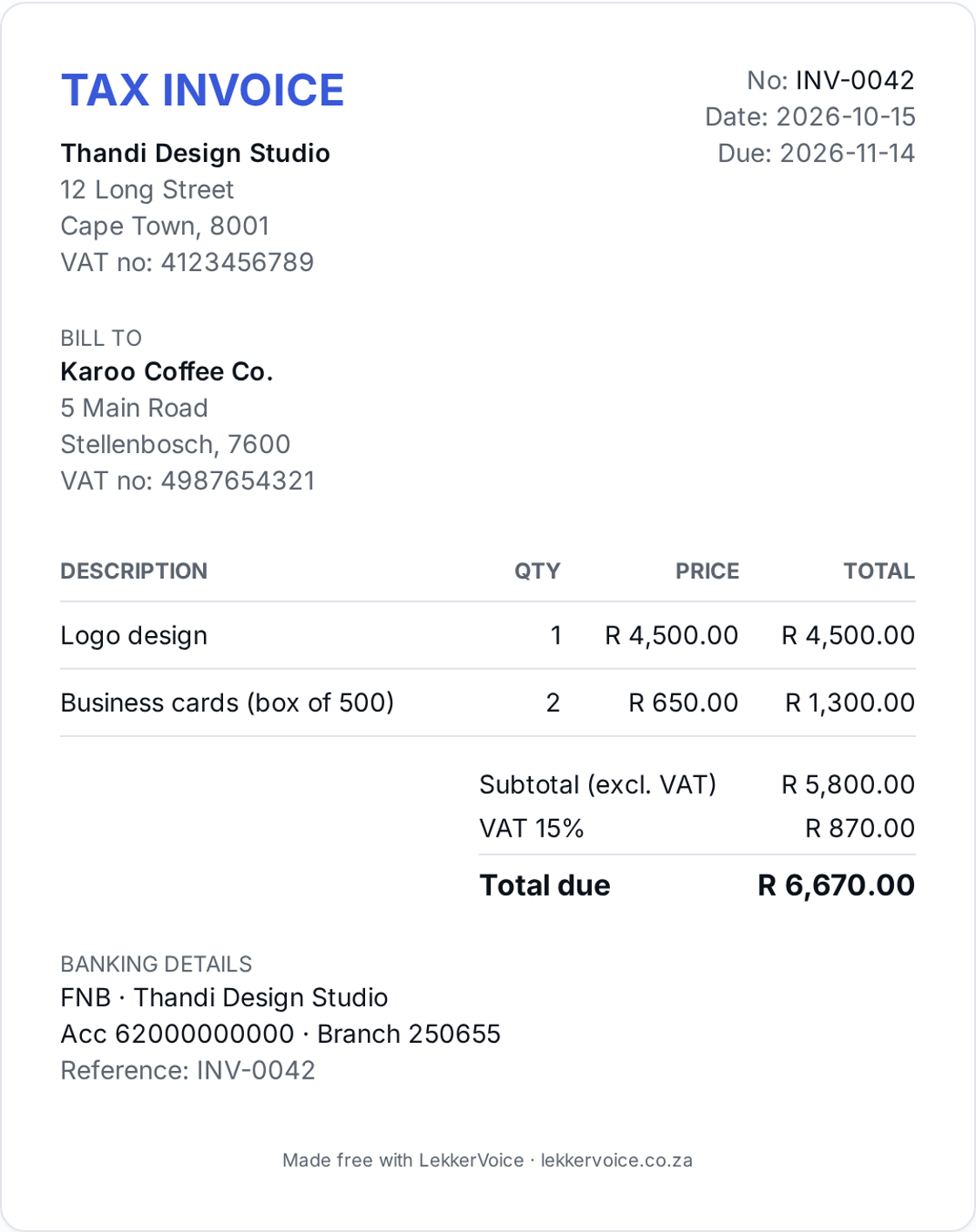
Acme Studio
12 Long Street
Cape Town, 8001
VAT: 4123456789
hello@acme.studio
INVOICE
Number INV-20260514-ACM-7F2K
Issued 2026-05-14
Due 2026-05-28
BILL TO
Northwind Pty Ltd
accounts@northwind.co.za
5 Marina Boulevard
Durban, 4001
| Description | Qty | Unit | Total |
|---|---|---|---|
| Brand identity design | 1 | R 2,000.00 | R 2,000.00 |
| Landing page (5 sections) | 1 | R 500.00 | R 500.00 |
| Revisions & QA | 1 | R 108.70 | R 108.70 |
SubtotalR 2,608.70
VAT (15%)R 391.31
TOTALR 3,000.00
Notes
Thank you for your business. Payment via EFT preferred. Please use the invoice number as your reference.
Banking
FNB · Acme Studio (Pty) Ltd
Account: 62812345678
Branch: 250655
Live preview of a LekkerVoice invoice PDF.
Download the free Excel invoice template
No email or sign-up needed. Free to use, forever.
Excel invoice template (.xlsx)
Adds up totals for you. Opens in Google Sheets too.
Download ExcelWord invoice template (.docx)
Easy to type into and print. Opens in Google Docs too.
Download WordOr fill it in online and download a PDF
Our free invoice maker works out VAT and totals. No account needed.
Frequently asked questions
- Does the Excel invoice template calculate VAT?
- Yes. Type the quantity and unit price and it works out each line, the subtotal, 15% VAT and the total.
- Can I use it in Google Sheets?
- Yes. Upload the .xlsx file to Google Drive and open it with Google Sheets. The formulas keep working.
- How do I remove VAT?
- Change the VAT rate cell to 0% and remove the word 'Tax' and your VAT number.
- How do I save it as a PDF?
- In Excel choose File → Save As → PDF. In Google Sheets choose File → Download → PDF.
Ready to send your first invoice?
Free plan covers up to 5 invoices a month, forever. No card required.
Start free